
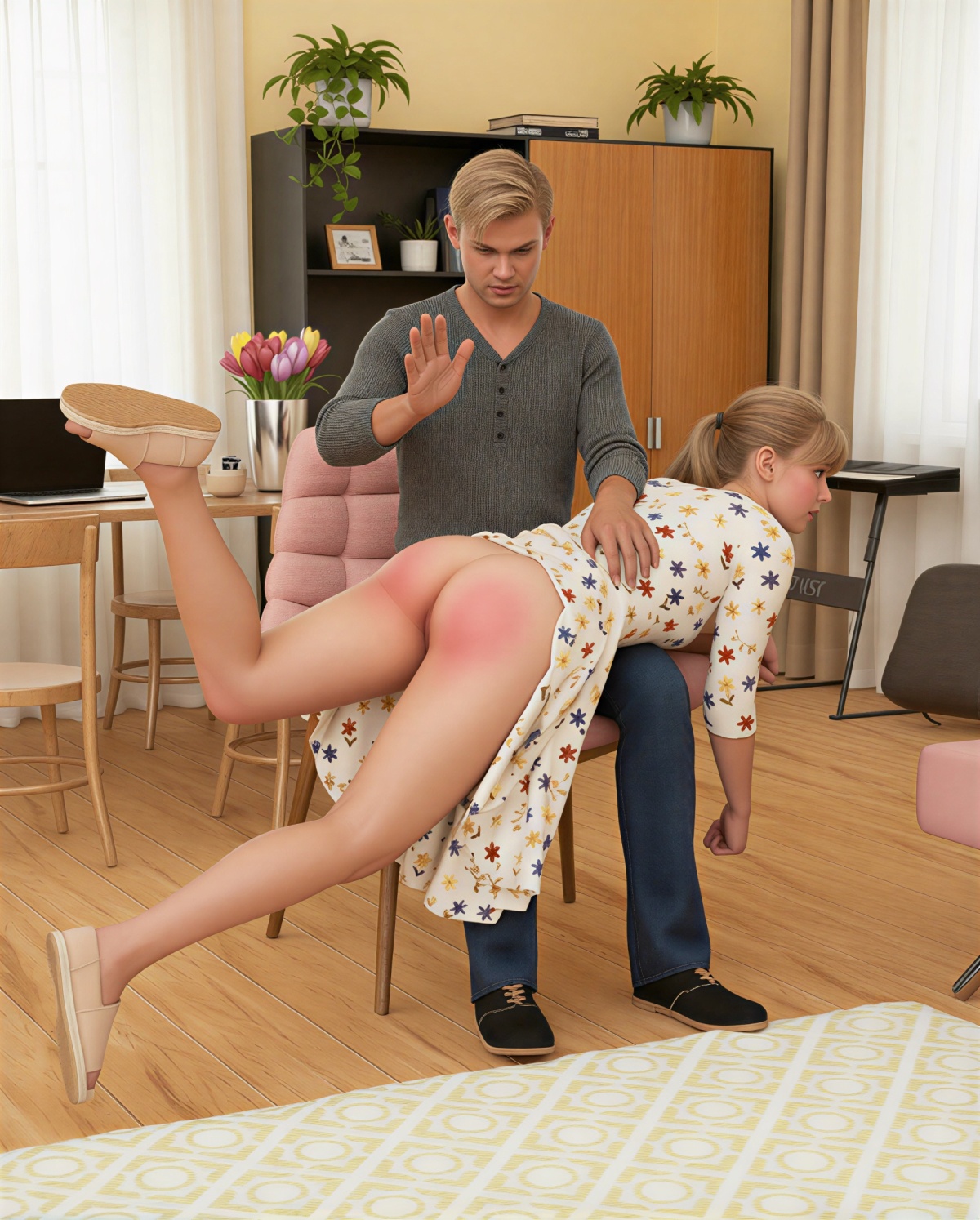
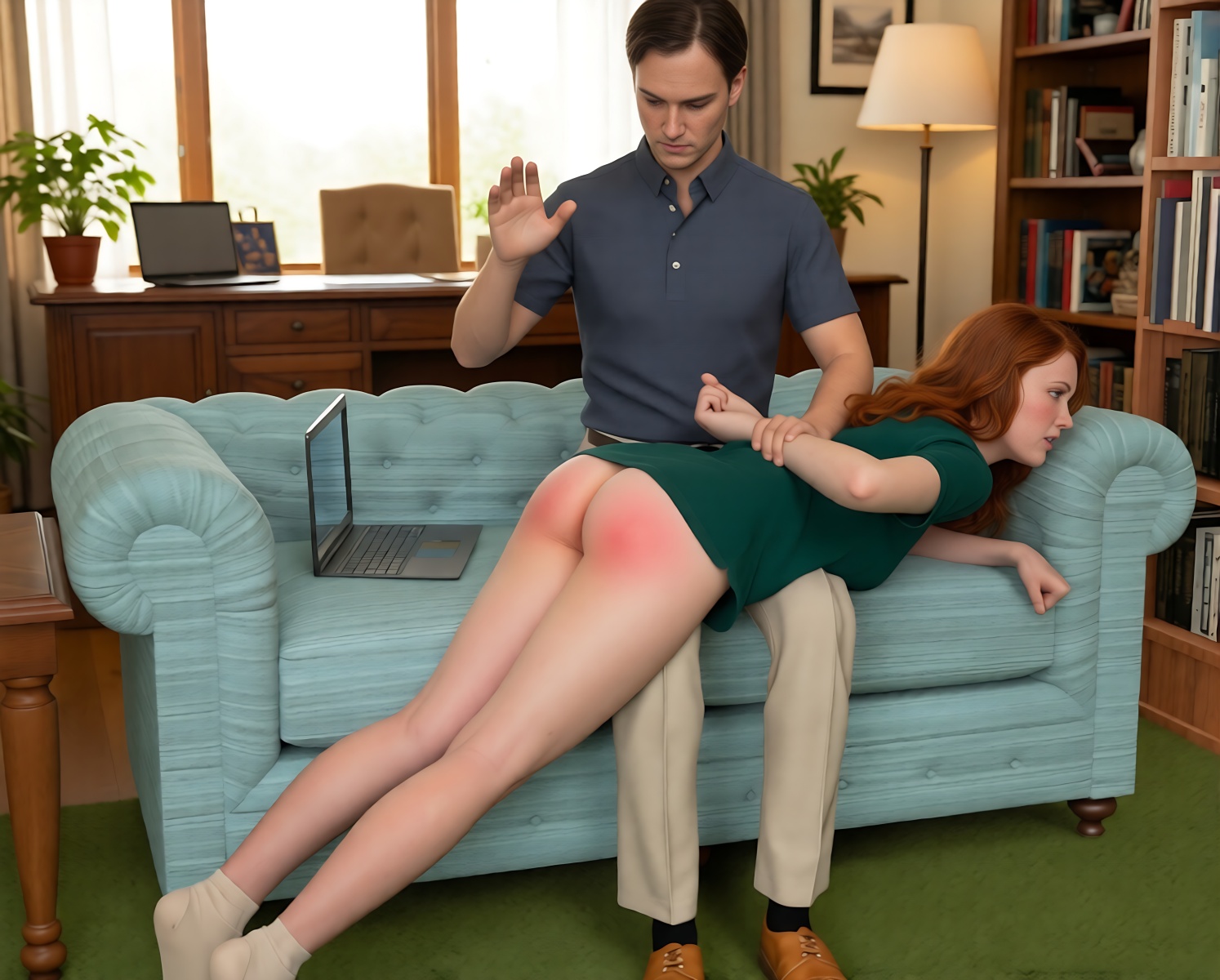
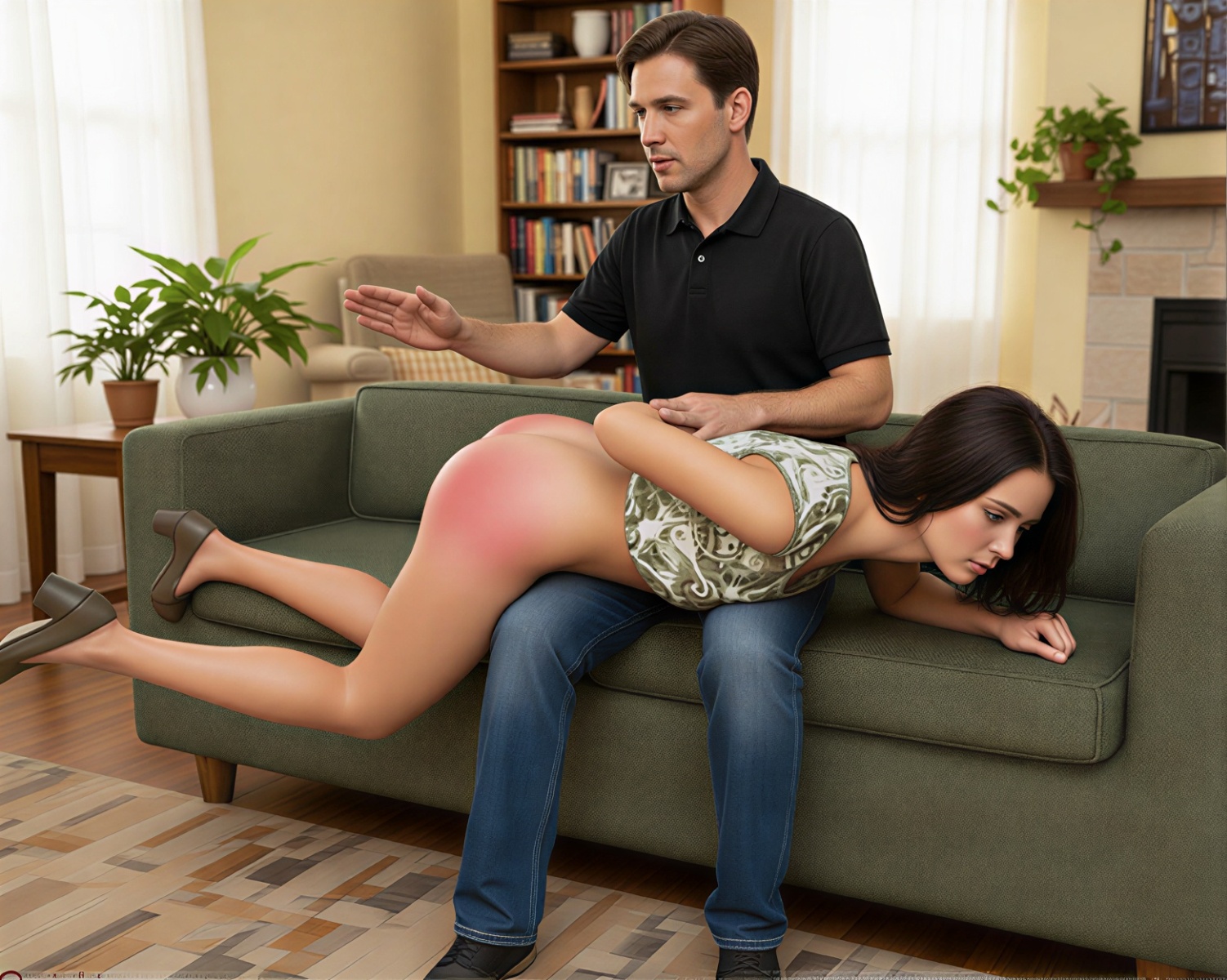
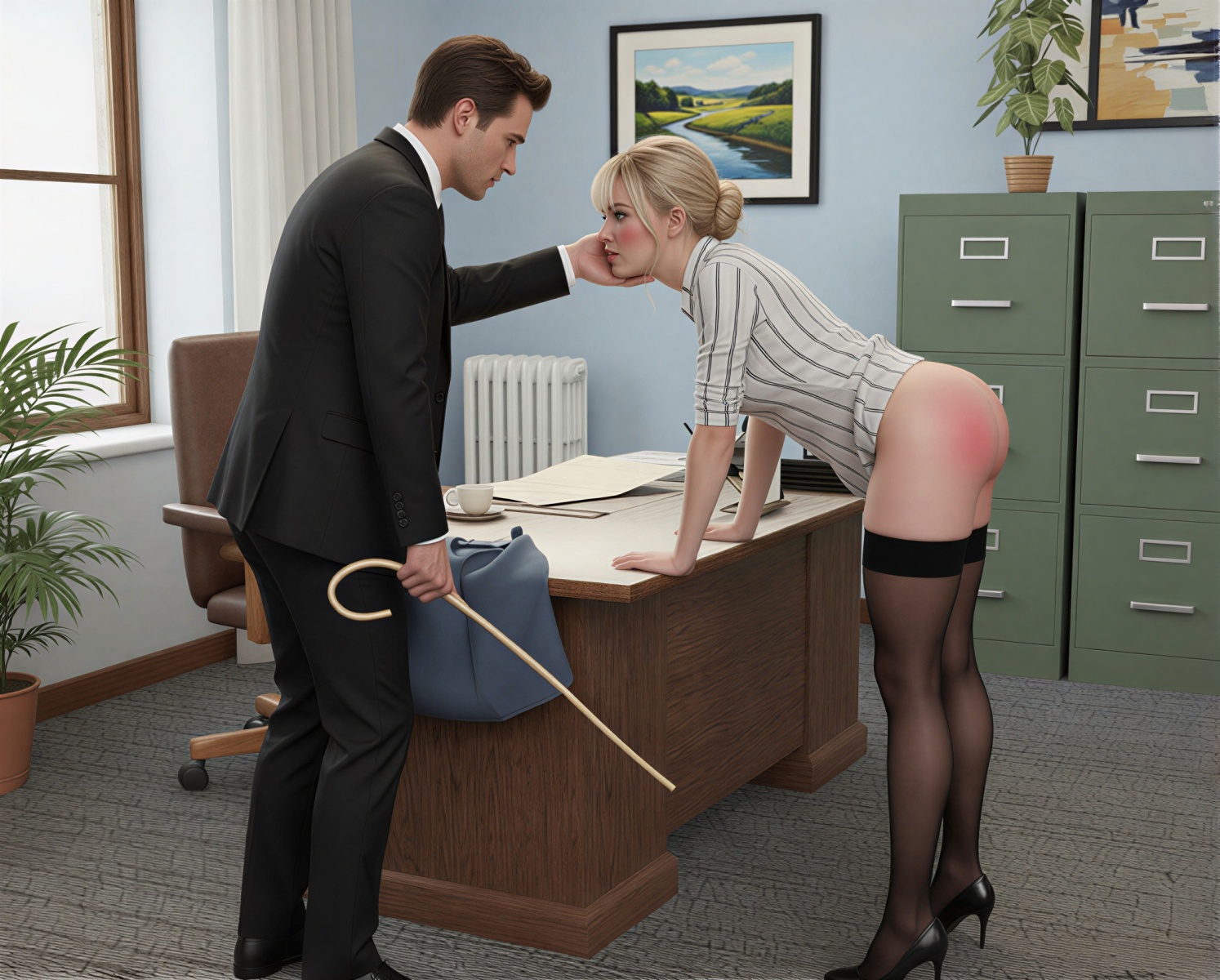
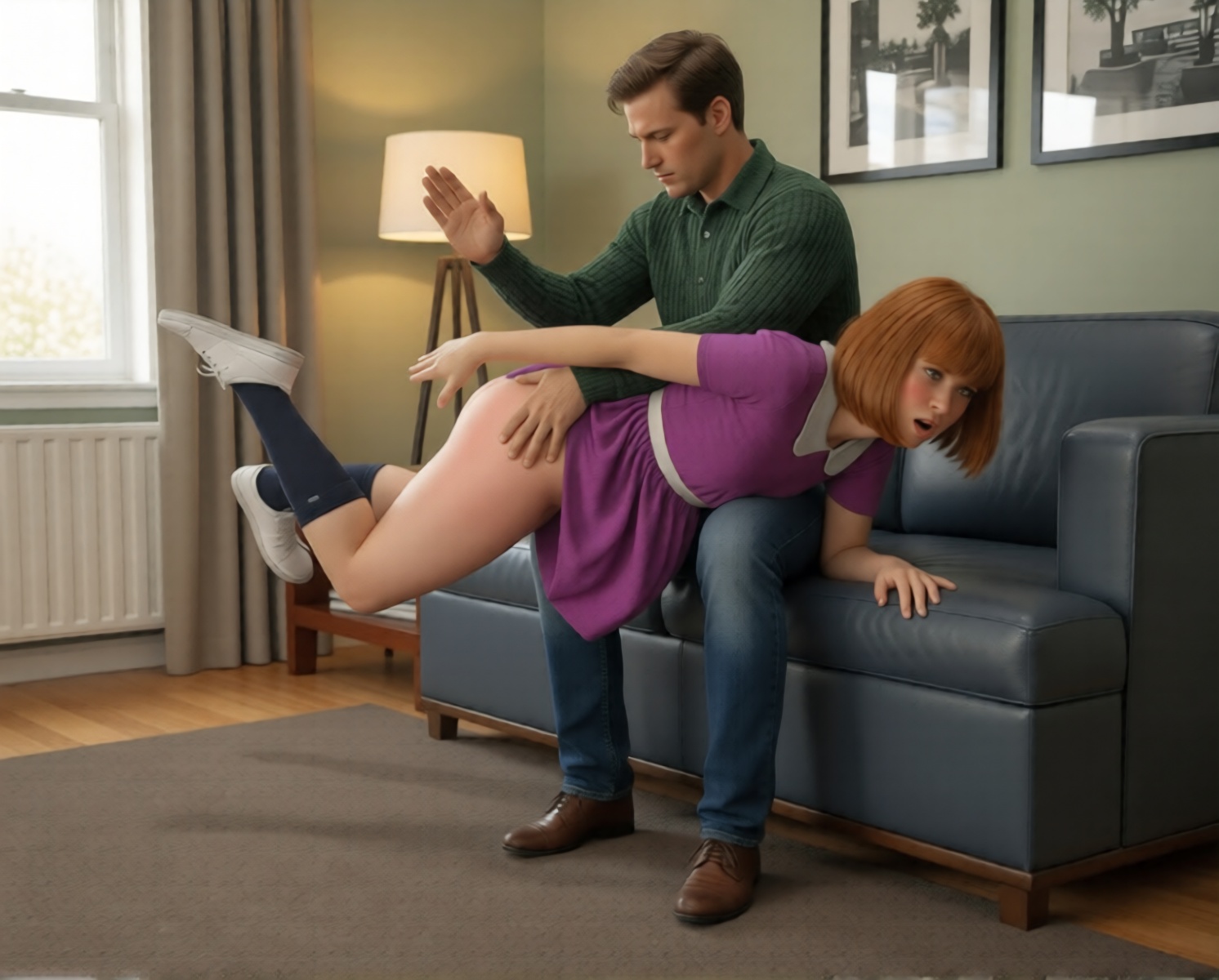
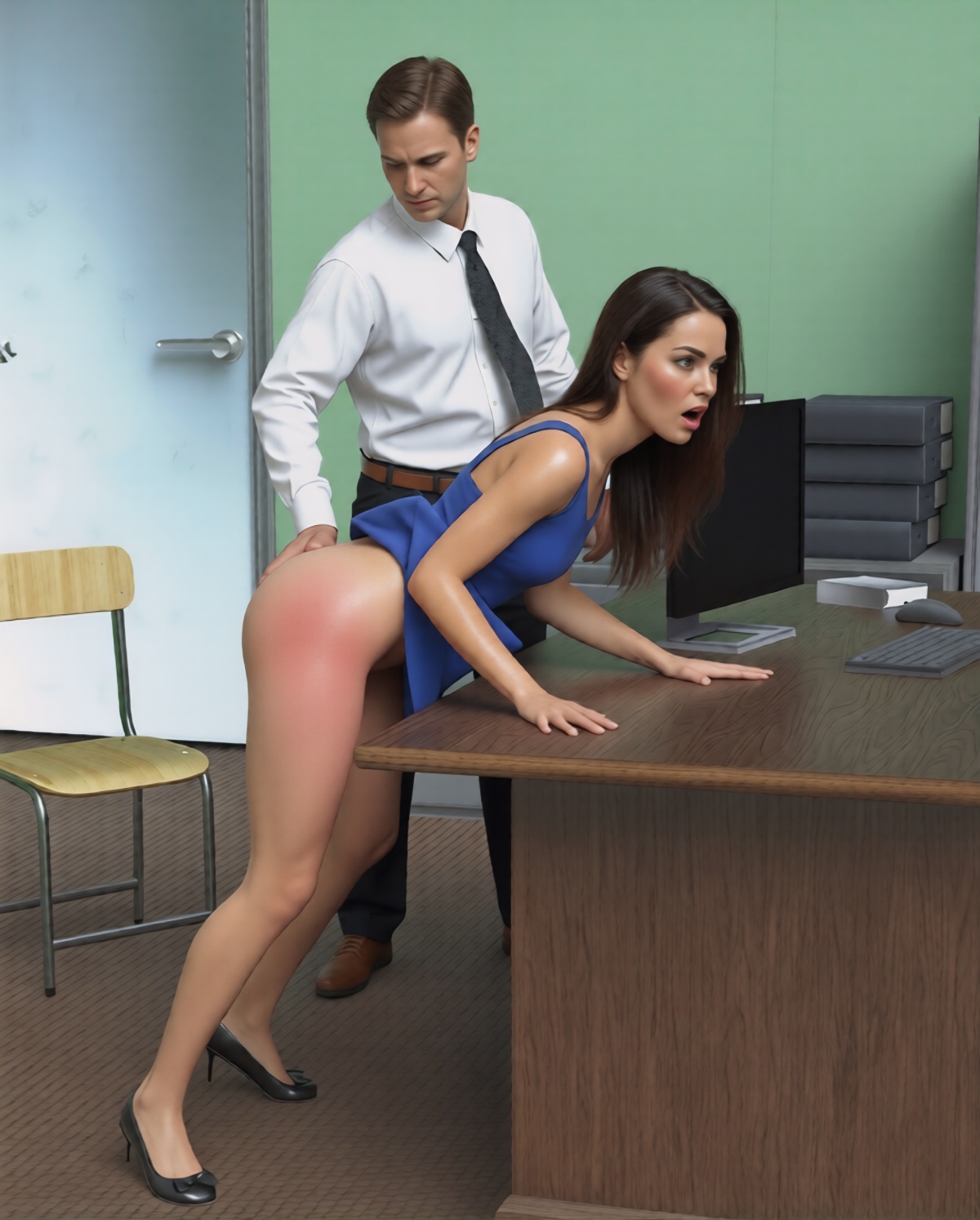
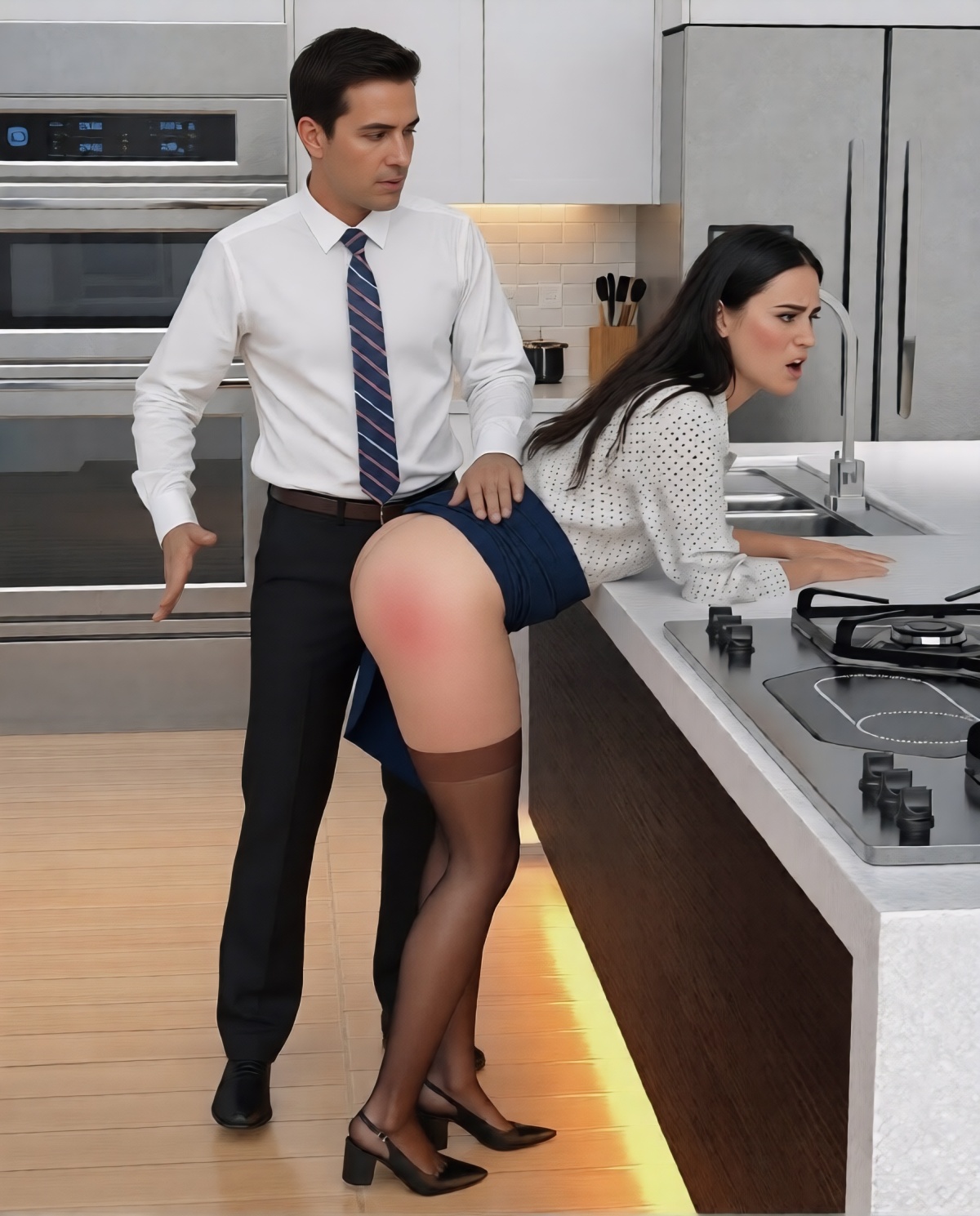
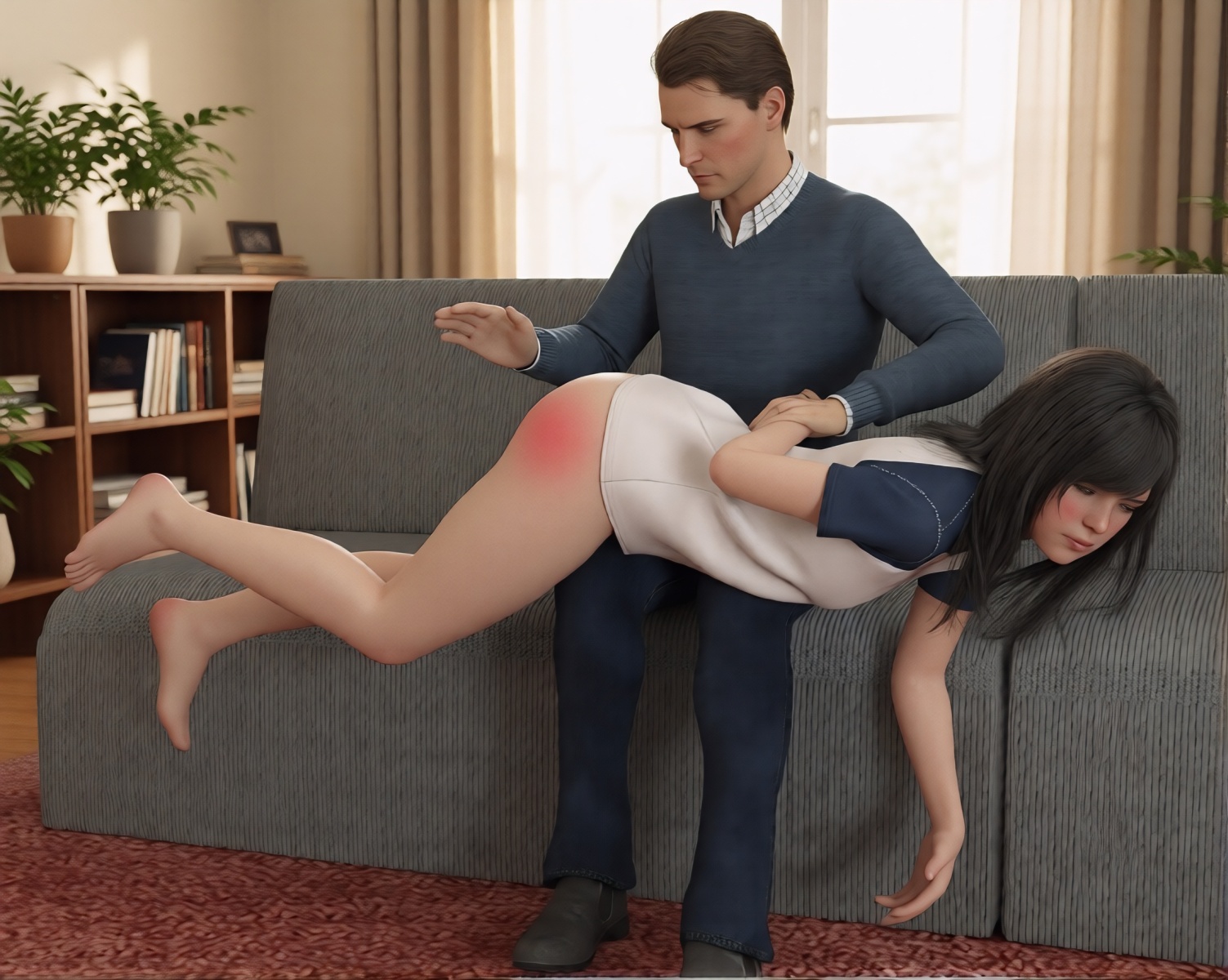
Have you ever wondered whether toons or drawings can be made somewhat photorealistic using AI without sacrificing the original artistic vision or making the characters looks too generic? Here is one attempt to do just that, along with the procedure. The source toons are from David Adams (D_Adams) girlspankingstories WordPress blog. The first step involved using either EzEnhancer AI Photo Editor or EzCreate AI Photo Editor to start the process of making it look a bit more photorealistic with the following prompt to generate an output (file_name_01)
“replace man and woman with photorealistic versions, add photorealistic texture to skin, hair and clothes, replace background with photorealistic version, woman has flushed shapely buttocks, remove text, make photorealistic”
The same prompt was used to on the previous output (file name_01) to generate another output (file_name_02). It might be necessary to adjust prompt to obtain the best result. Repeat to generate another sequential output (file_name_03). The sequential output will either stabilize or get too distorted from the original artistic vision by third or fourth step (file_name_03 or file_name_04). Use the last good output (usually file_name_03) as input for upscaling image with EzEnhance Image Upscaler or AI Anime Image Upscaler.
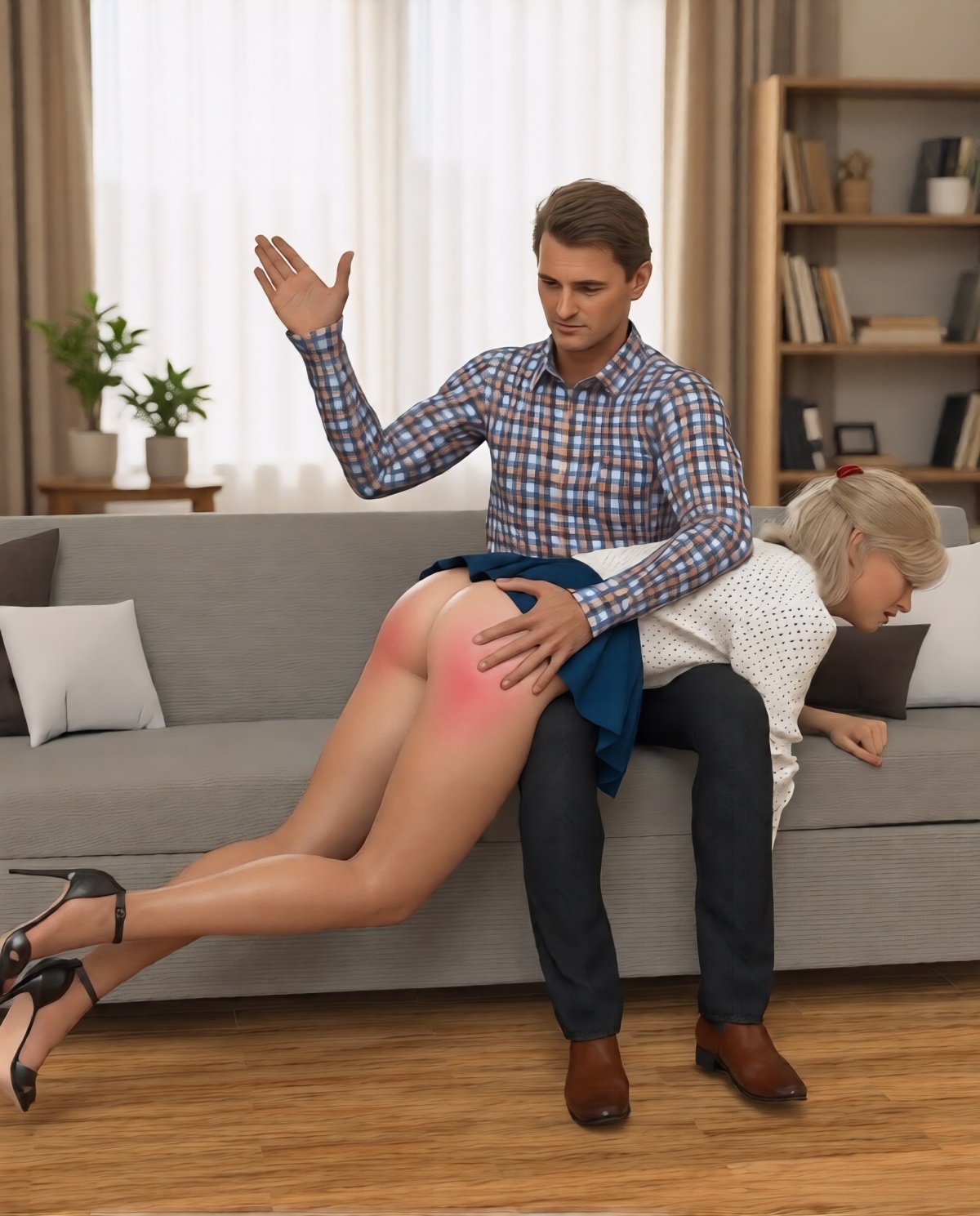
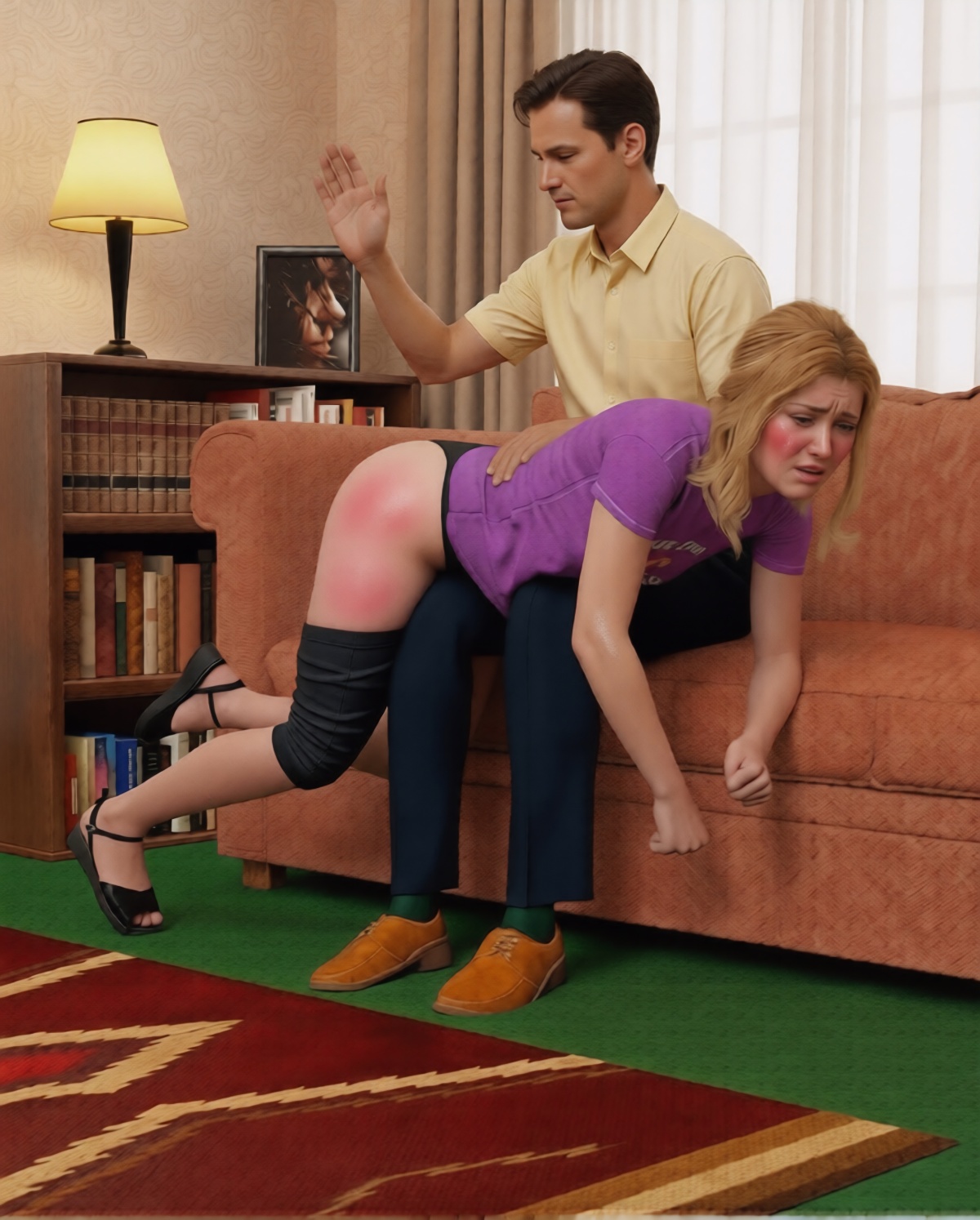
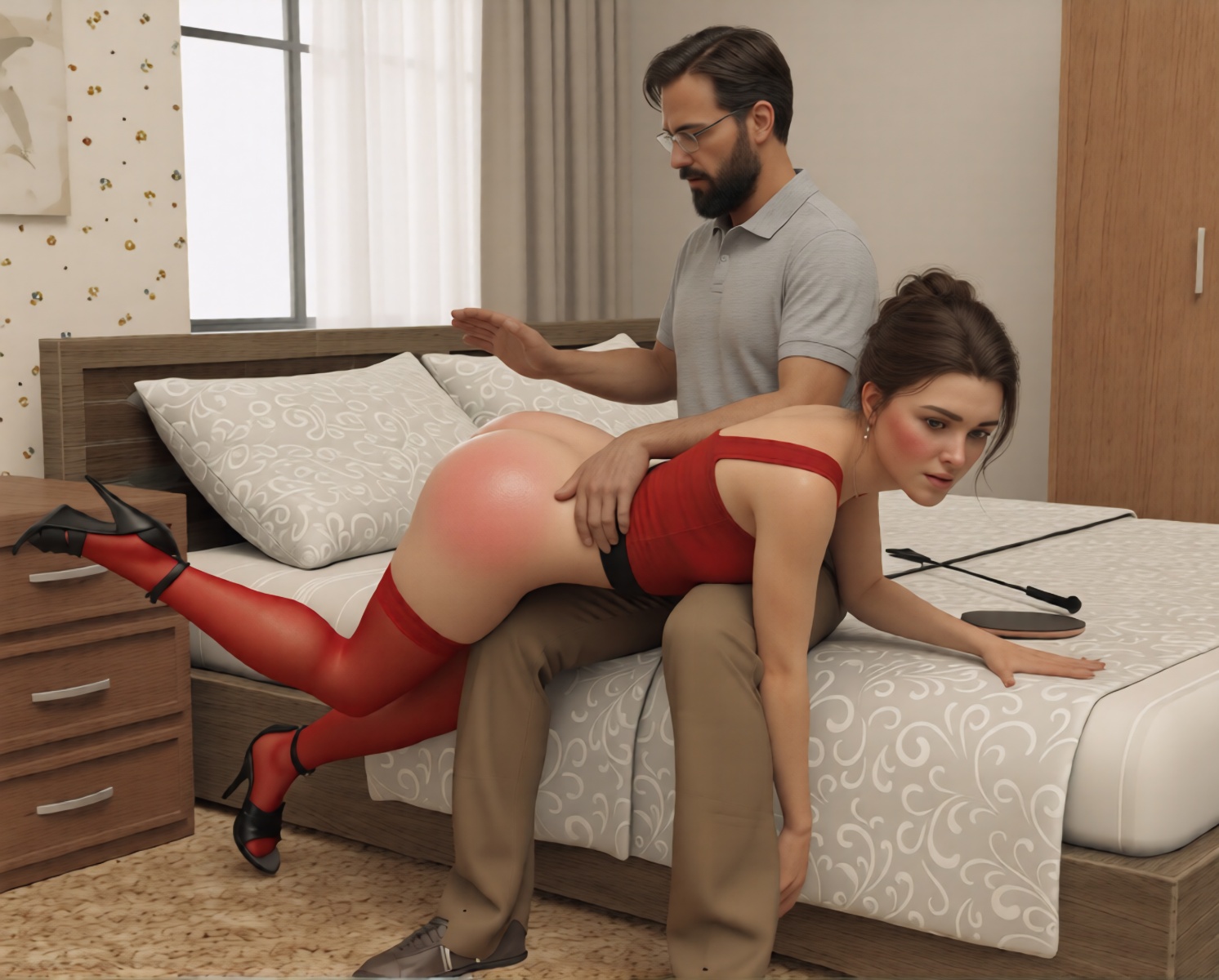
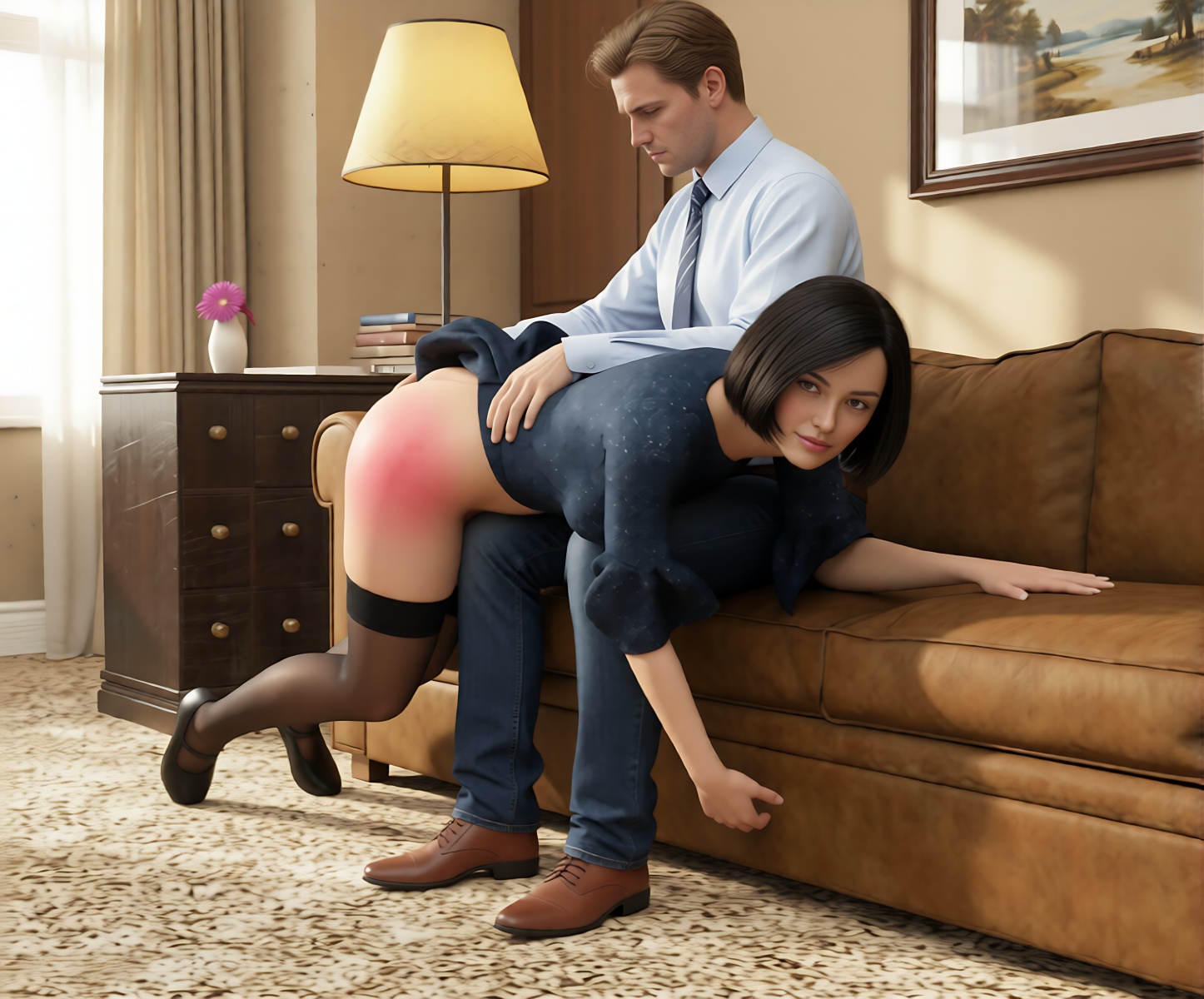
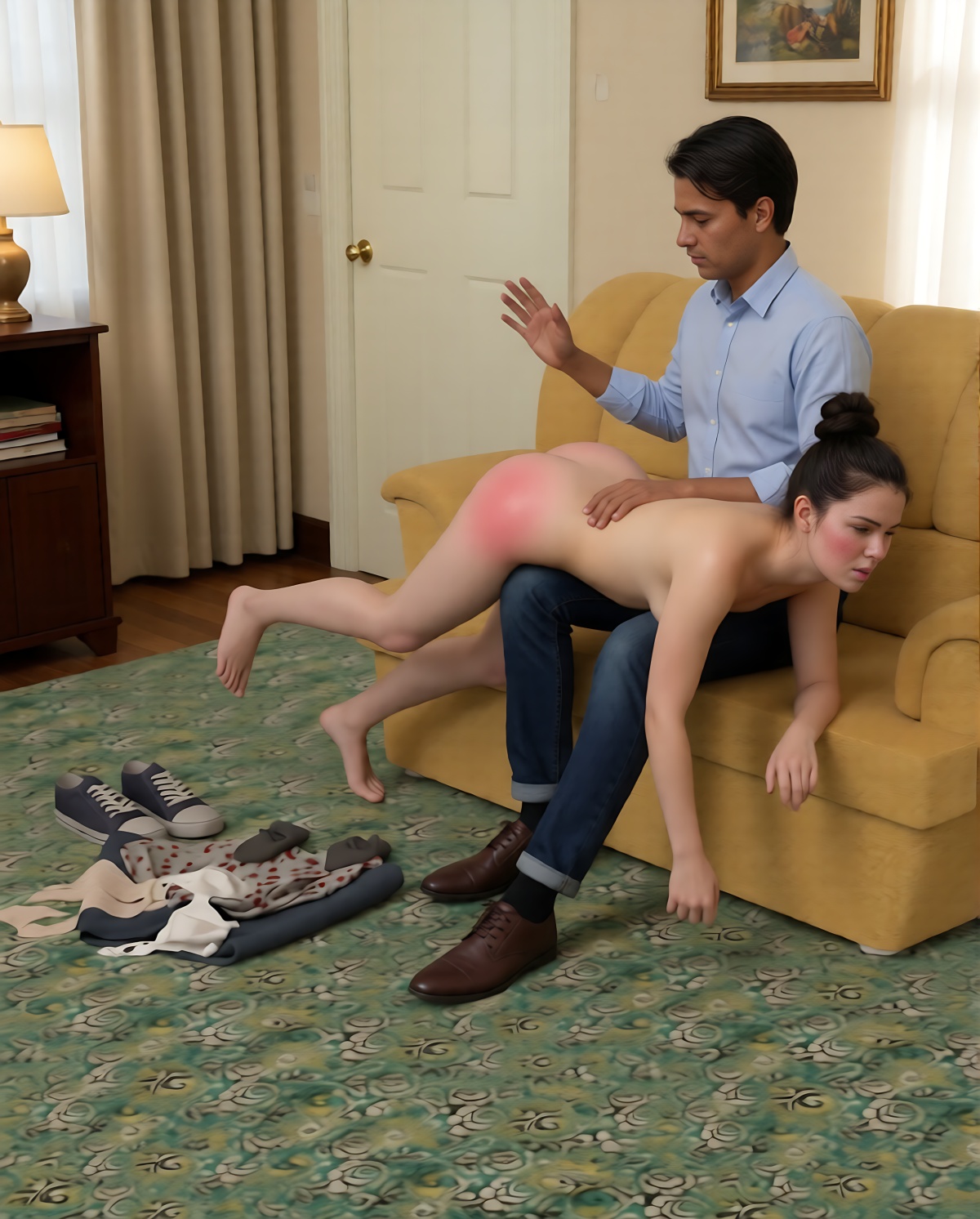
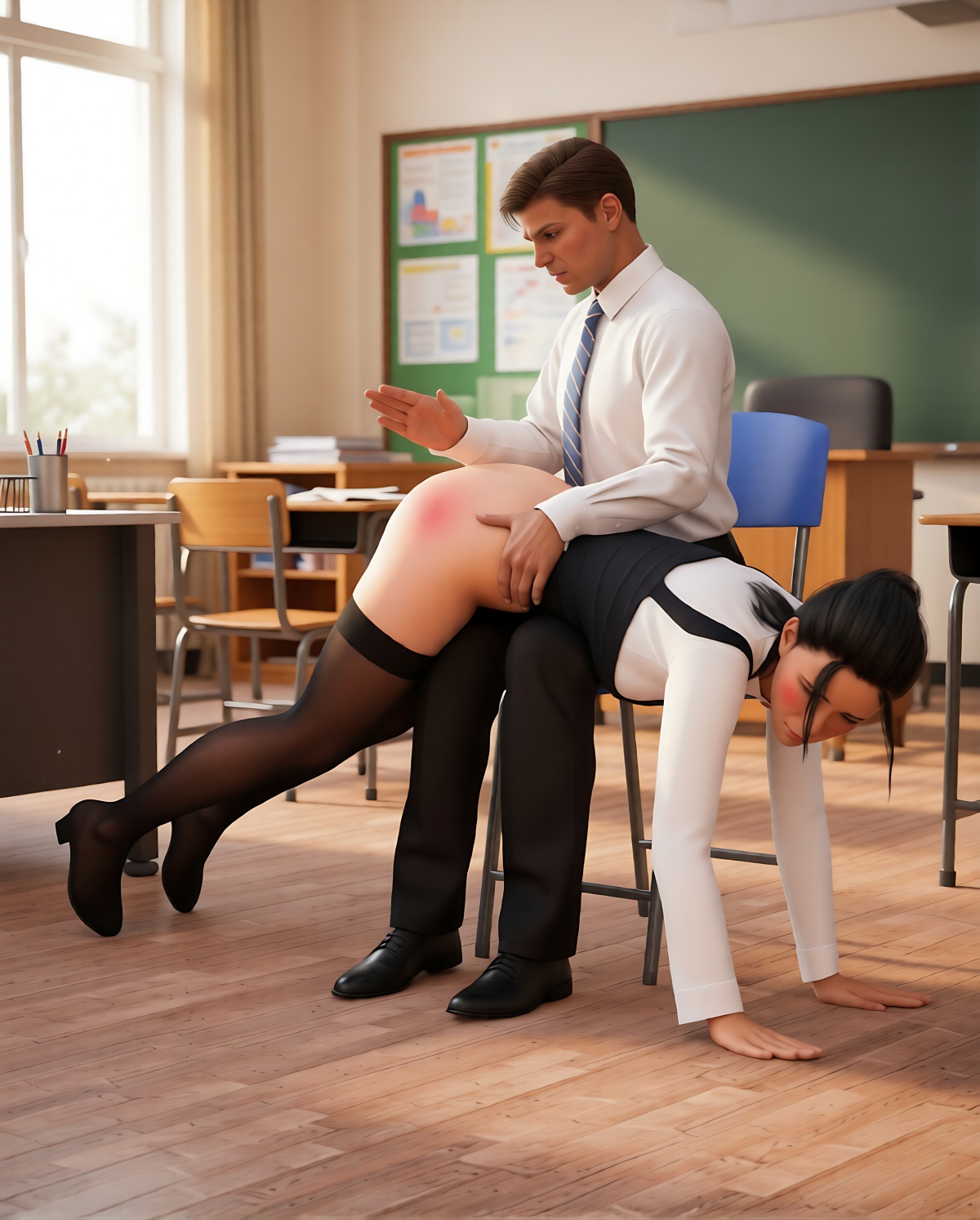
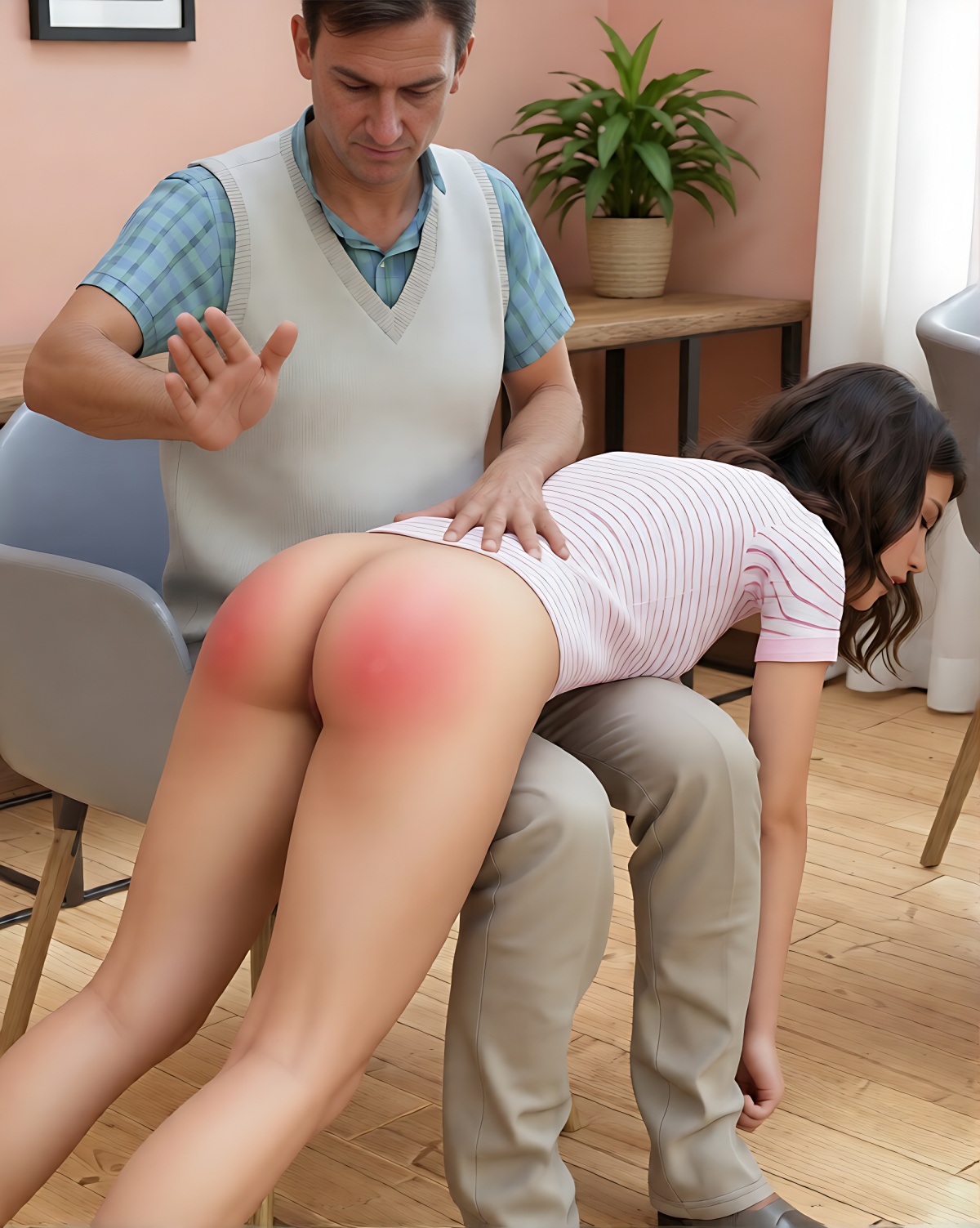
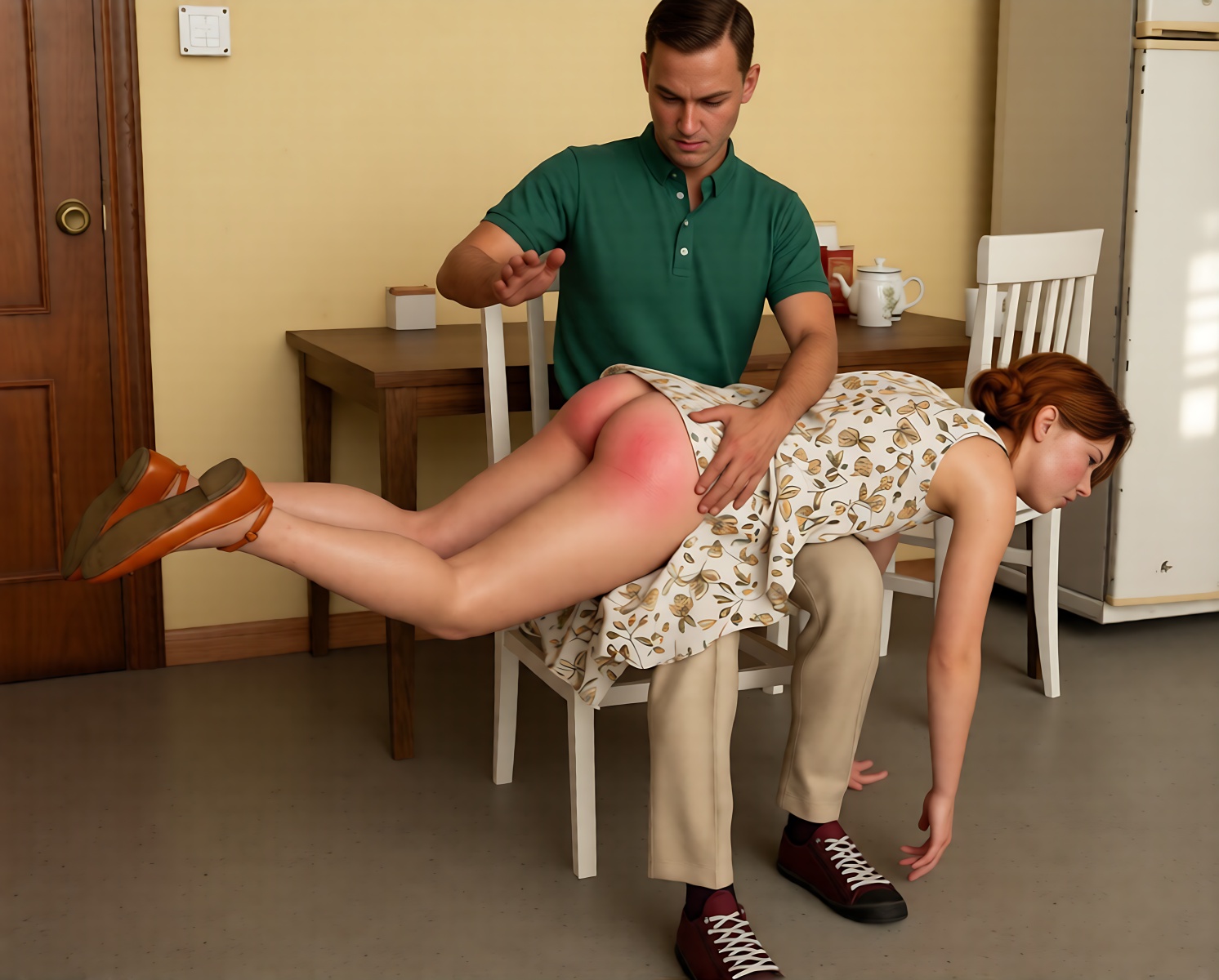
Thank you so much for the editing information, and for sharing the prompt. It worked great on some of the images I created while using the sites you shared and the prompts.
Ulf
—
You are welcome! Have some more ideas in the works.